A project-management app can look effortless in a demonstration and become another place to check once real client work starts. The difference is usually not the feature list; it is whether the software fits the way a task enters, moves through, and leaves your business.
Map the work before browsing
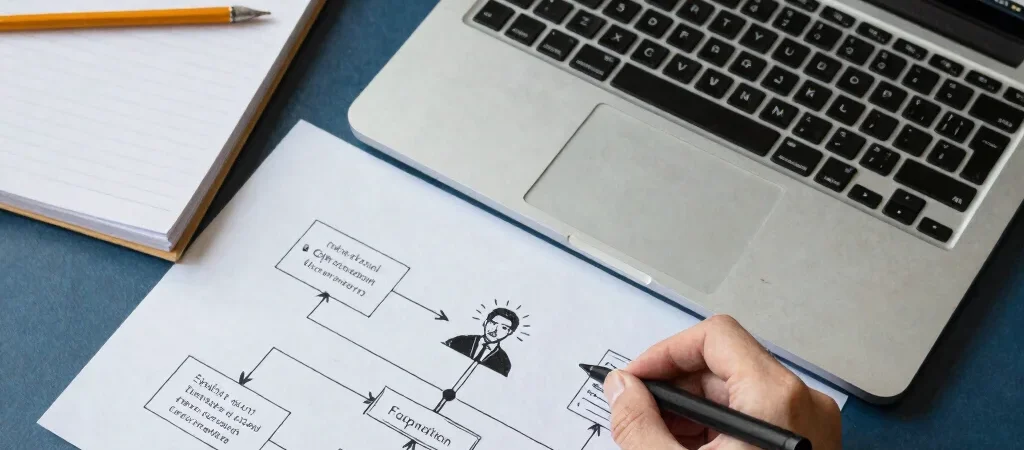
Write down one recurring process, such as onboarding a new client or preparing a monthly invoice. Note who starts it, what information they need, where delays happen, and what counts as complete. This simple map keeps a software search anchored to a problem rather than a fashionable feature.
Pay attention to handoffs. If a client request starts in email, gets copied into a spreadsheet, and then lands in a task board, the copying itself may be the friction worth addressing.
Check the unglamorous fit
Review how the tool handles access, data export, integrations, and cancellation alongside its main features. Those details matter when a contractor joins, a process changes, or you decide to move your records elsewhere. Check the vendor’s current documentation for the specifics rather than relying on a demo screen.
Try the software with a representative task before moving essential work into it. Include an exception—a missing field, a delayed approval, or a client change—because routine cases are rarely the only cases your process must handle.
Adopt one process at a time
Choose one workflow, set up only what it needs, and ask the people involved where the new steps help or get in the way. Keep the old process available until the new one works reliably enough for your team. When comparing products through Spark, remember that affiliate links may earn us a commission; verify current terms and fit before deciding.